Getting Started with PIM
Product Information Management in Prodify
Written By El
Last updated 2 months ago
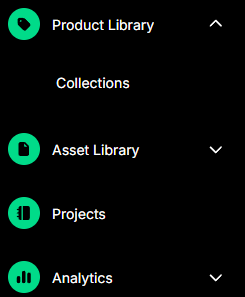
If you have the Product Information Management (PIM) feature enabled in Prodify, you will see the Products icon in the left-hand sidebar.
In PIM, Product Families are your top-level product records. Product Families will be found in the Product Library. Each Product Family can contain one or more Products — individual items or configurations within that family (previously referred to as Variants).
The easiest way to bring your products into Prodify is to use the Add Products modal, which lets you add a product manually or import a spreadsheet.
Select Add Products in the top right-hand menu to open the modal, then choose the Manual tab to add a single product, or the Import tab to upload a spreadsheet of products.

Refer to Mapping Your Spreadsheet for Importing Products into PIM - Prodify to learn how to map your spreadsheet so you can import your products into the Prodify PIM.