Related Products and System Settings
Written By El
Last updated About 1 month ago
You can relate product families to each other in Prodify. To do this you first need to ensure that Product Relationships have been set up in System Settings.
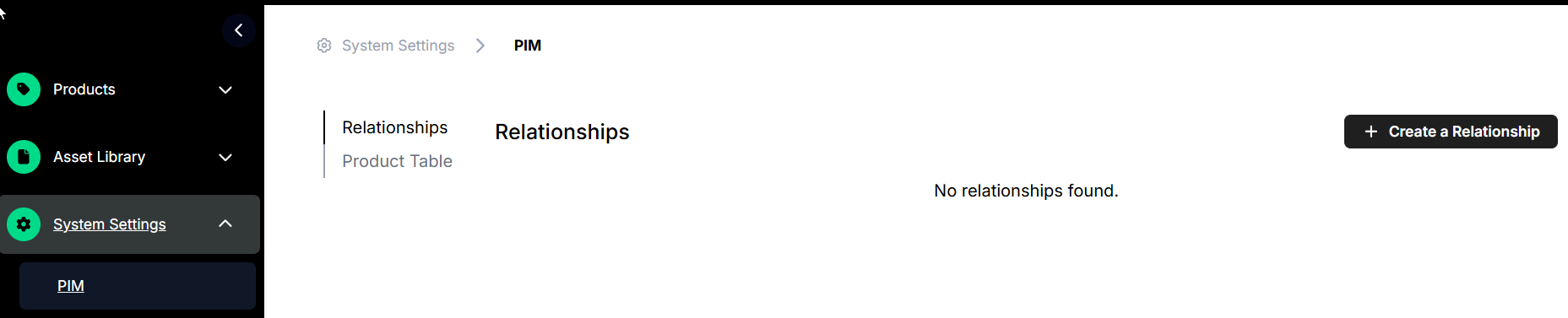
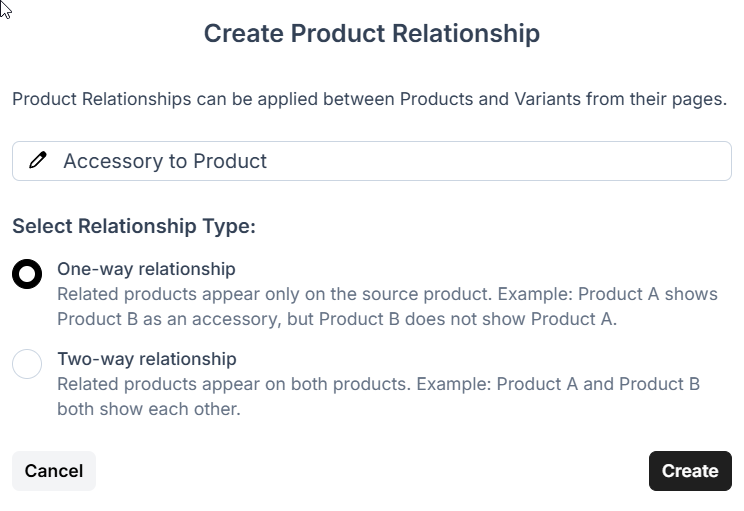
Navigate to PIM under system settings and select + Create a Relationship. Here you can name the relationship and select if it is a one-way or two- way relationship.
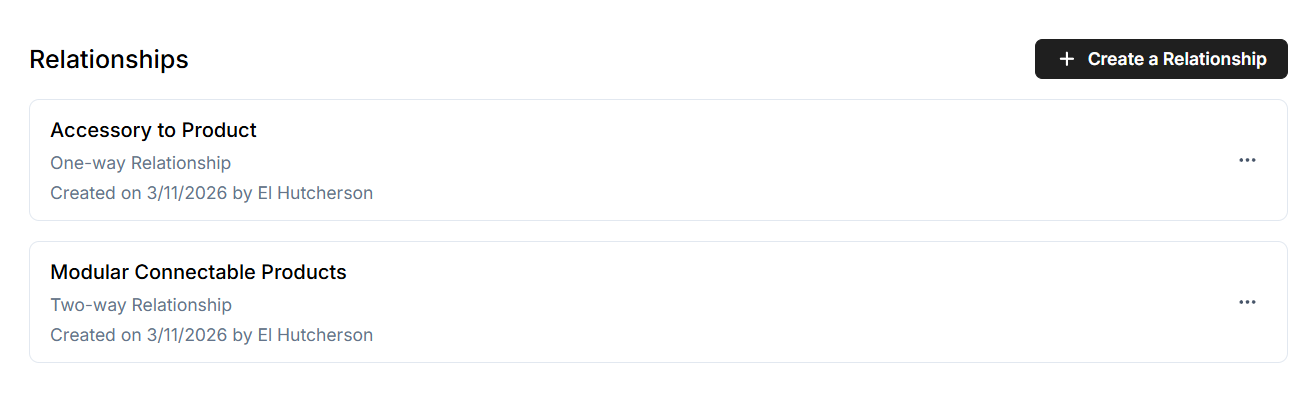
Your product relationships will show up in a list in the PIM section of System Settings.
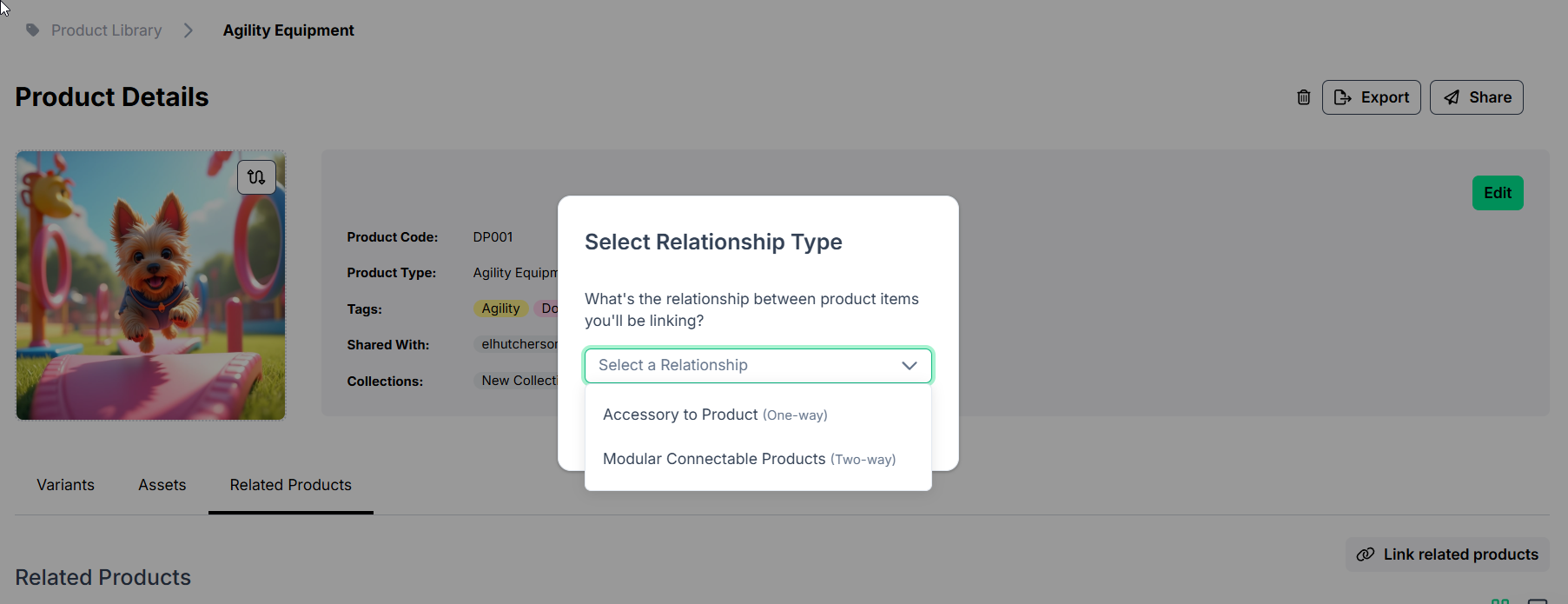
Assign relationships within a Product Family Form. Under the product family image select Related Products, then Link Related Products. This will prompt you to select a relationship type.
Note: If a product family has no related items yet, Admins see a Link Related Products button in the empty state to get started. This button is hidden for Editor roles. The Related Products section title no longer appears duplicated on the page.
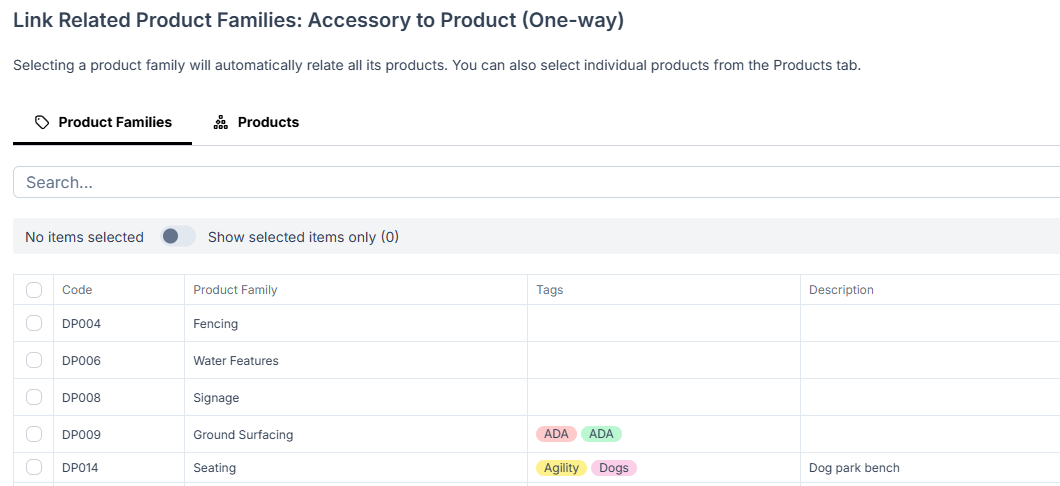
From here you can link product families or products. Selecting a product family will automatically relate all its products, or individual products can be linked from the Products tab. Save your selection.
Related Products will then appear under the product families in the Related Products tab.