Branding Tab
Customize Prodify with branding.
Written By El
Last updated 5 months ago
Click your profile button at the top right to change your company settings. Then, select "Company Settings" to access the Company Settings page, and navigate to the Branding tab.
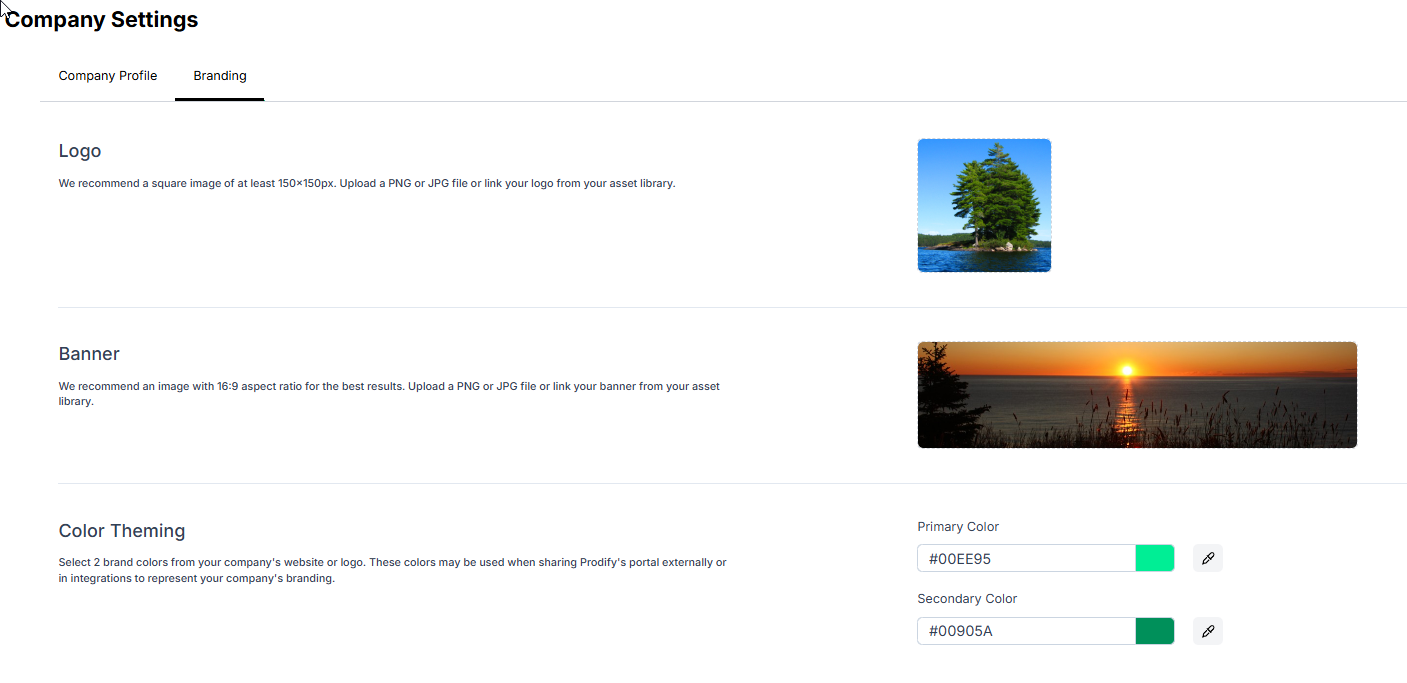
Here you can update your logo, add a banner, and customize your color theme.
Currently only the logo will be viewable. Other branding updates including your banner and color theme will be coming soon.