Accessing Multiple Companies in Prodify
Written By El
Last updated 8 months ago
If you are associated with multiple companies or brands, each with its own Prodify profile and analytics, you will receive a separate invitation for each company.
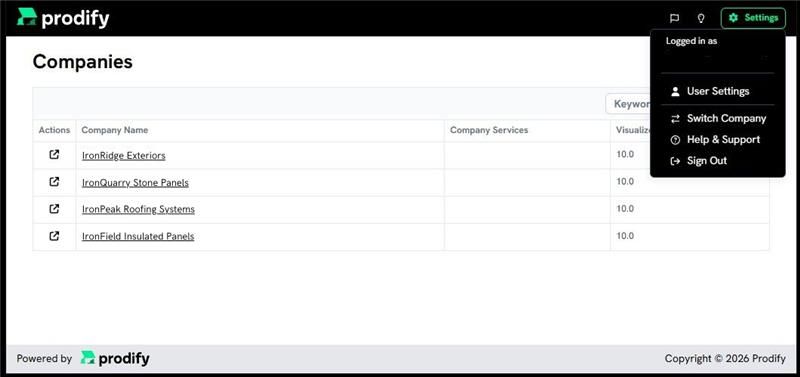
After accepting your invitations and logging in, you’ll be taken to the company selector page, where all of your available companies are listed.
Step 1: Check your email and spam for invites from no-reply@tryprodify.com for each brand.
Step 2: Accept the invite for each brand.
Step 3: Log in to Prodify.
Step 4: Select a company from the company selector page.
If a company you expect to have access to does not appear, please contact us for assistance.
Users with access to only one company will bypass the company selector and be taken directly to that company’s dashboard.