Submit Feedback, Bug Reports, and Feature Requests
Let us know how Prodify is working for you!
Written By El
Last updated About 1 year ago
Access Featurebase through the settings menu at the top right.
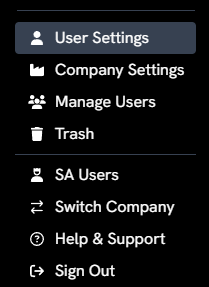
This provides quick access to the following:
Help Search
Help Center
Feature Requests
Report an Issue
Feedback
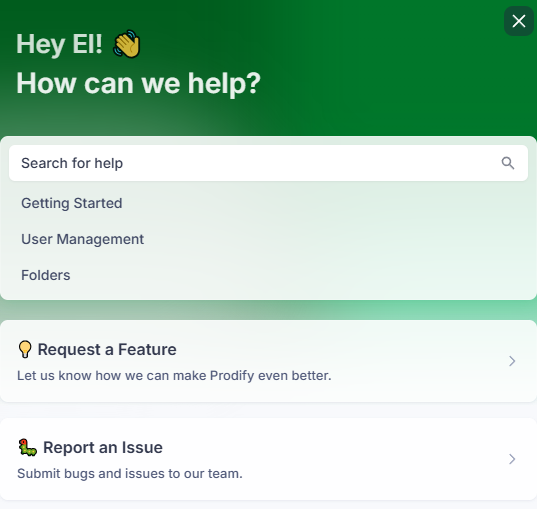
Access the "Request a Feature Form" through the Featurebase interface.

Or submit a bug report by selecting “Report an Issue”

You can change the type of feedback you submit in the form.
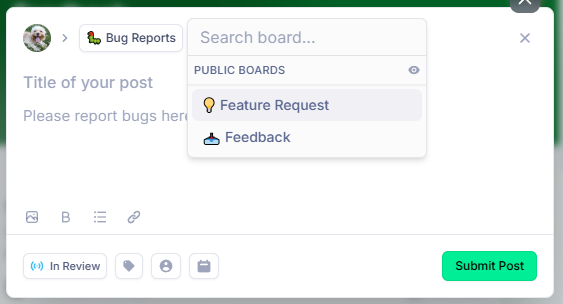
Our Prodify team will follow up with you regarding your feedback.
Was this helpful?
Still need help? Ask the team