Sharing Assets
Share assets with a link or by email.
Written By El
Last updated About 1 year ago
Sharing Assets in the Form View
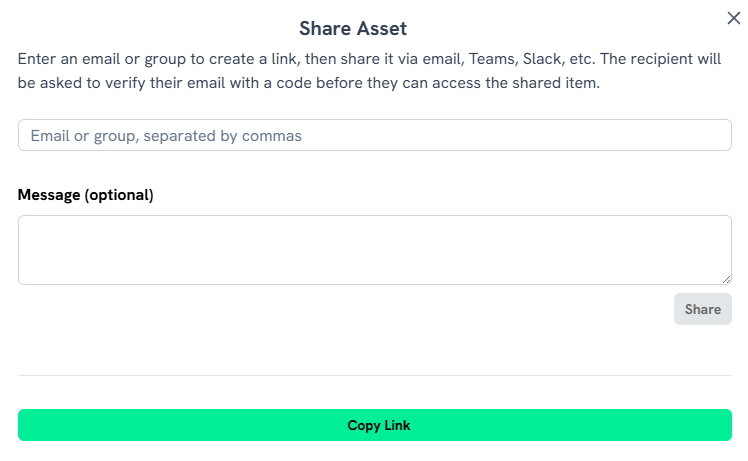
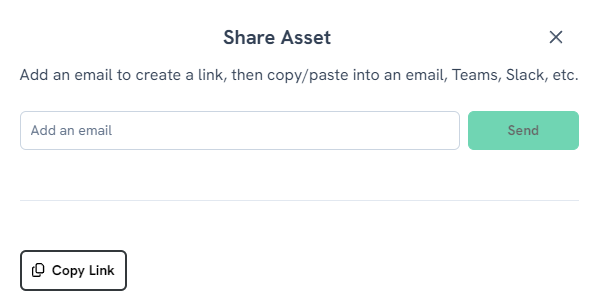
The option to share a file is at the top right when viewing the asset in the Form View. The available options are Download, Favorite, Share, or Edit. Click Share to access a dialogue box that provides a link to the asset, or you can input an email to share the Asset.

Sharing Assets in the Table View
Use the checkboxes in the Asset Table to select Assets to share. This will cause the Share Asset dialogue box to appear.

Sharing Assets in the Gallery View
Use the checkboxes in the Gallery to select Assets to share. This will cause the Share Asset dialogue box to appear.

The share modal provides instructions to walk you through the process. You can also include an optional message to the recipient to provide context about your shared folder or asset.