Company Settings and User Roles
Updating your company information is easy.
Written By El
Last updated 3 months ago
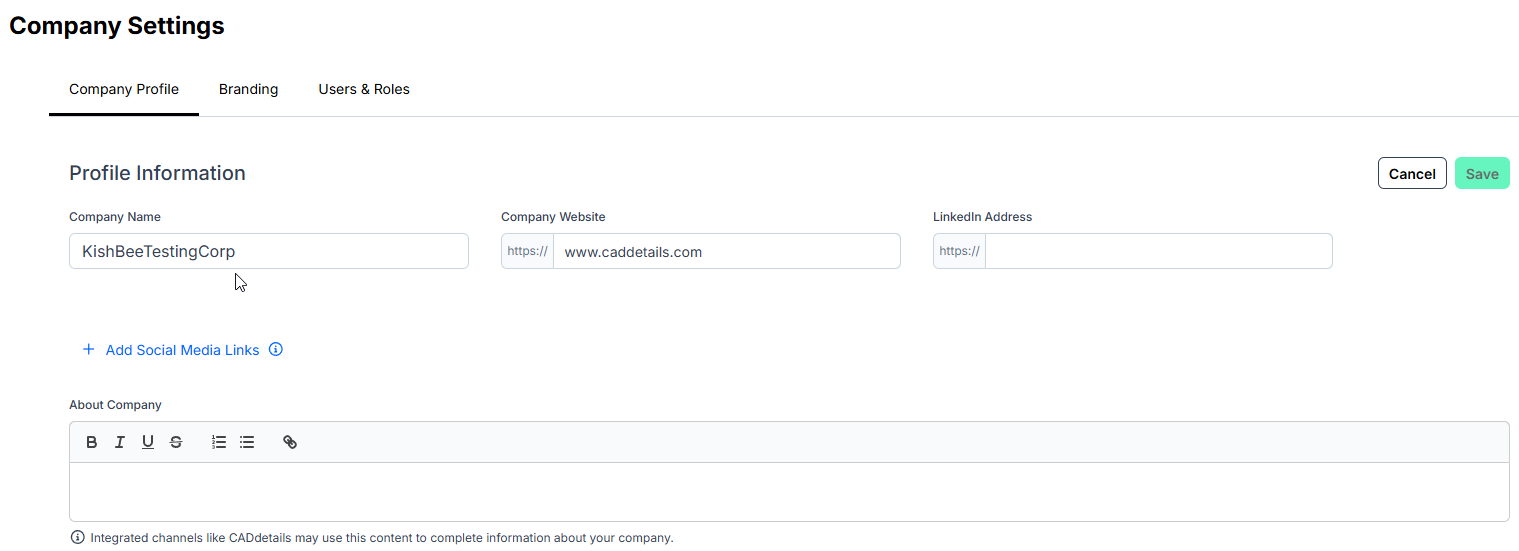
Click your profile button at the top right to change your company settings. Then, select "Company Settings" to access the Company Settings page, where you can update your company name, address, and logo under the Company Profile tab.
Manage Users and Roles
Invite your team members and assign them roles within Prodify for them to manage or view content.
Navigate to the Users & Roles tab in Company Settings. From here you can invite users, edit user information, and view user status.
See the article on User Account Types for descriptions of the account types available for Prodify users: User Account Types - Prodify
To learn about CADdetails and Design Hub Analytics Access, please refer to Managing Seats and Permissions - Prodify
Embed Link Library Permissions
The Embed Link Library is accessible from the main navigation menu. Permissions for this section are role-based:
Admin: Full access — can add, edit, delete, and run link health checks.
Editor: Full access — can add, edit, delete, and run link health checks.
Viewer: Read-only access. Viewers can browse the Embed Link Library but cannot add, edit, delete, or run health checks. Edit, delete, and batch action controls are not visible to Viewer roles.