Folder Details Page: Batch actions are not working for subfolders🔵
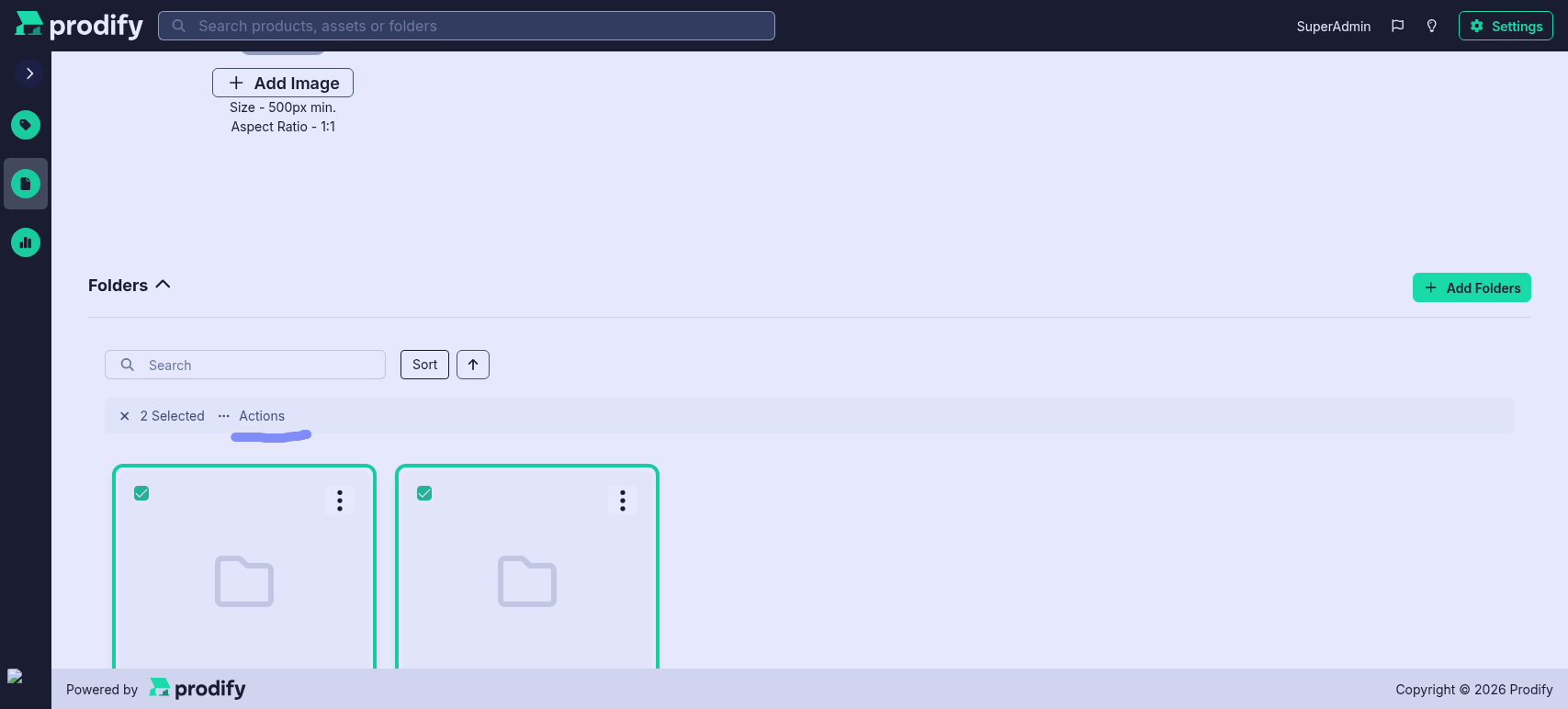
When selecting one or more subfolders within a Folder details view and opening the Batch Edit menu, no available actions are displayed
Steps to reproduce:
Open the details page of a Folder that contains subfolders
Select one or more subfolders
Click Actions in the Batch Edit menu bar
Expected result: The list of available batch actions is displayed
Actual result: No actions are shown
Status: Completed
Log in to comment and vote
No comments yet
Be the first to share your thoughts.