Asset View Folders not showing all assets if there are sub-folders🟣🔵
EH Suggestion:
Rename “All Folders” to “All Assets”. That should address this issue.
Change icon to better represent Assets.
Design:
icon: fa-regular fa-files
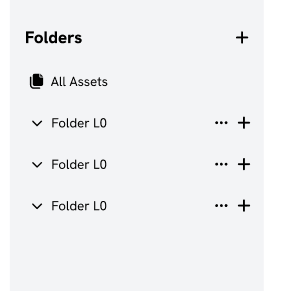
Background: The navigation logic would be lost if we displayed all assets under subfolders. The idea is to see the contents of the folder and not the aggregation.
________________________________________________________________
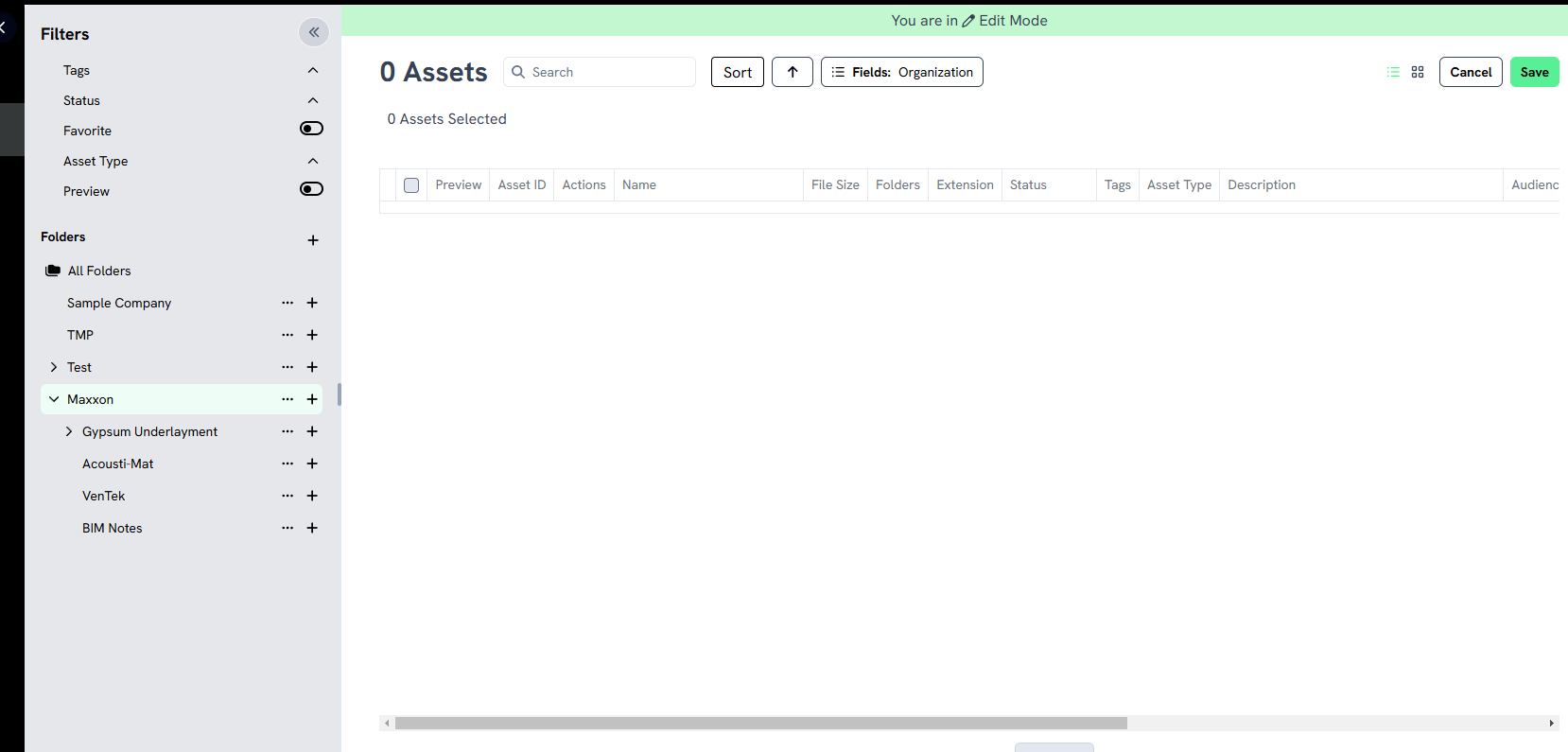
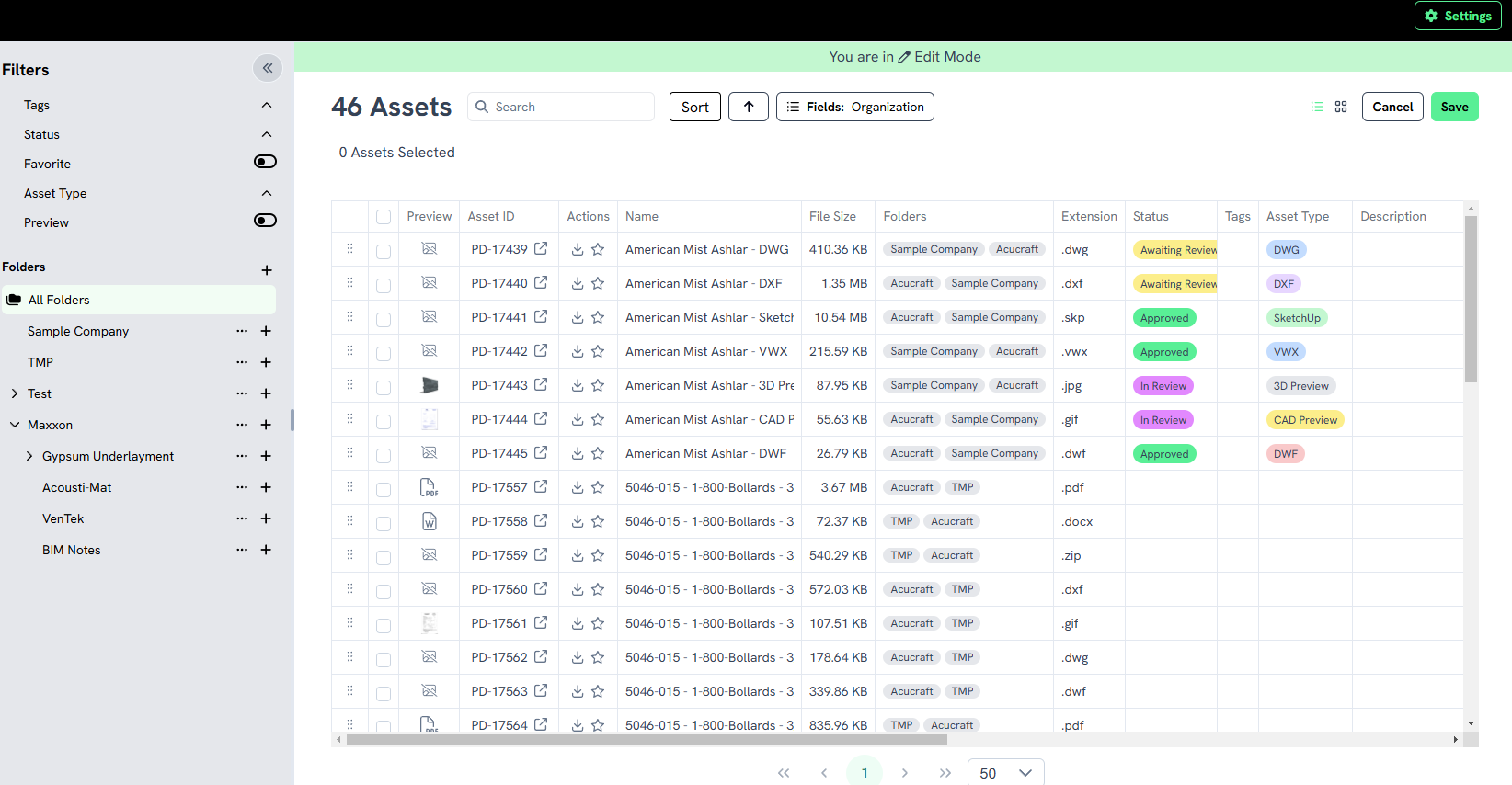
When all folders is selected, all assets seem to be available (maybe this is labeled wrong and should read all assets?)
If I select a specific folder it does NOT show all assets under that folder if they are in sub-folders. Seems like I should be seeing all assets under that folder even if they are in sub-folders, based on seeing all assets when all folders is selected.
Log in to comment and vote
Comments3
El
Jan 16, 2025
Hi Chris,
Thank you for your feedback.
This post is a low priority bug that will move forward when time permits. We will change the name “All Folders” to “All Assets”.
The Prodify support team indicated that the navigation logic would be lost if we displayed all assets under subfolders. The idea is to see the contents of the folder and not the aggregation.
Thanks!
El
Jan 3, 2025
Issue persists 3jan25
El
Nov 7, 2024
Deleting this task in Jira. Will monitor on Featurebase for now as we prioritize bugs.